Awesome product and price
"Awesome product and best price. The packing was solid. Best place to order your UV Lights"
Luminor RL-999 Replacement UV Lamp for LB4-151, LB5-151, LB6-151
The RL-999 is a genuine Luminor replacement UV lamp and lamp key for LUMINOR BLACKCOMB LB4-151, LB5-151, and LB6-151 UV water treatment systems, and their NSF Class A/B variants listed below. It is an authentic Luminor part, not a compatible aftermarket substitute, so it drops in and treats water the way your system was originally tested and certified to perform.
The lamp is rated for 9,000 hours of use, about 12 months of continuous operation. UV-C output weakens gradually over the lamp's life, so Luminor recommends replacing it every 12 months or after 9,000 hours, whichever comes first, to keep UV output where the system needs it.
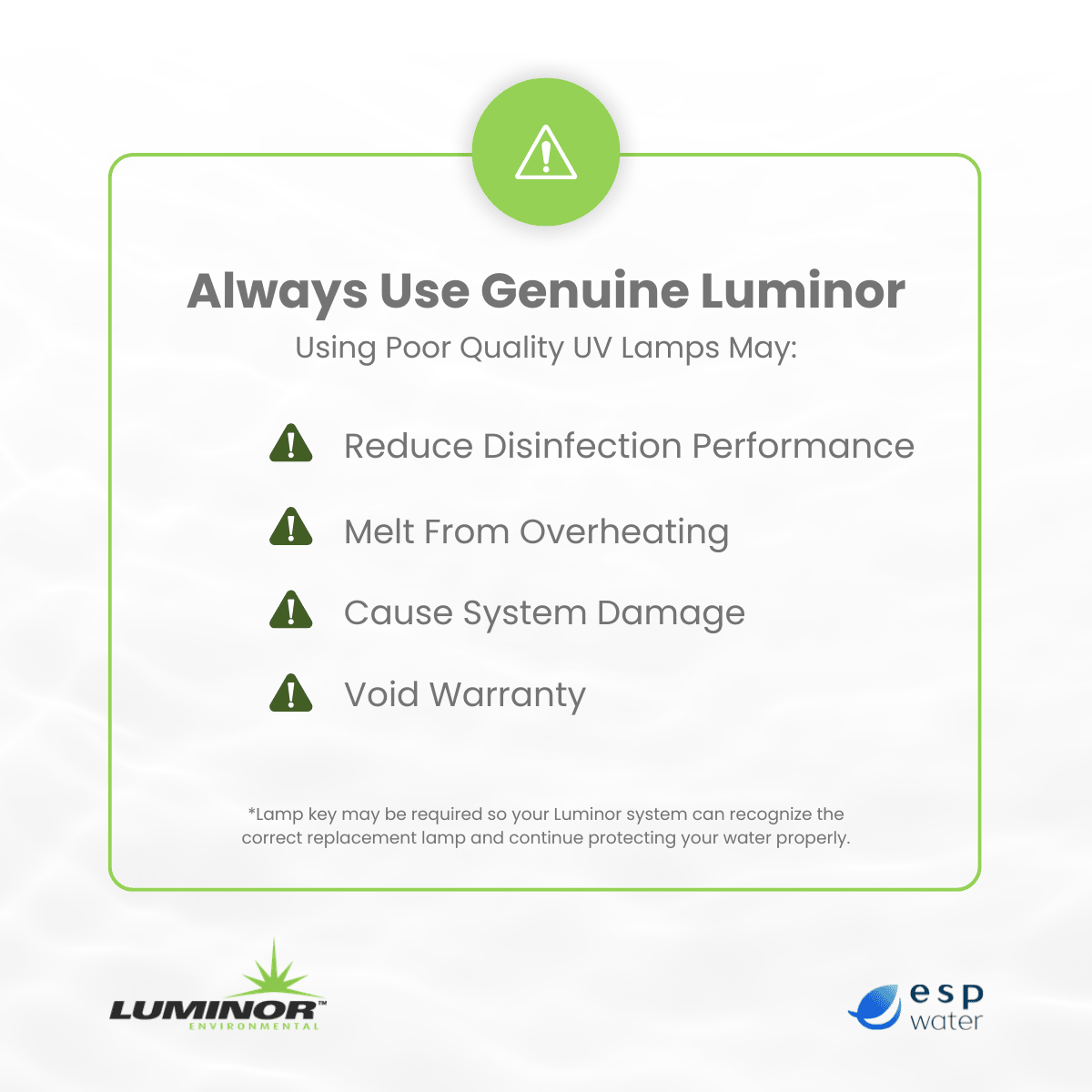
Why a genuine Luminor lamp matters
Luminor tests and certifies its UV systems as a complete unit: lamp, chamber, and sleeve together. An authentic RL-999 keeps your system performing the way it was certified. A non-Luminor lamp voids the system's NSF/ANSI 55 certification and can affect your warranty coverage if a problem comes up later.
Fits these Luminor BLACKCOMB systems
The A and B suffixes mark the system's NSF/ANSI 55 monitoring class (A is monitored with a UV sensor, B is non-monitored), not a different lamp. All six models above share the same "-151" flow rating and use the RL-999.
Complete your replacement The RL-999 is the lamp only. For the full replacement:
Overall rating: 5.0 / 5 from 10 reviews.
Review topics: ["light"].
"Awesome product and best price. The packing was solid. Best place to order your UV Lights"
"The lamp has worked perfectly every year I’ve ordered it for 5 years now."
"Great bulb"
"Arrived quickly"
"Got it faster than anticipated"
"Great price, fast shipping. Would recommend."
"This UV light is well packed and easy to install."
"ESP had the lamp I needed and shipped it in a timely fashion. Will definitely reorder from them over and over."
"Delivered on time and in great shape. Thanks!"
"exact replacement for LB6-151 prompt shipping"
Overall rating: 5.0 / 5 from 10 reviews.
Review topics: ["light"].
"Awesome product and best price. The packing was solid. Best place to order your UV Lights"
"The lamp has worked perfectly every year I’ve ordered it for 5 years now."
"Great bulb"
"Arrived quickly"
"Got it faster than anticipated"
"Great price, fast shipping. Would recommend."
"This UV light is well packed and easy to install."
"ESP had the lamp I needed and shipped it in a timely fashion. Will definitely reorder from them over and over."
"Delivered on time and in great shape. Thanks!"
"exact replacement for LB6-151 prompt shipping"
Q:
How do I know if the RL-999 is the right lamp for my system?
A:
Check the model number on your system's nameplate. The RL-999 fits any Luminor BLACKCOMB system ending in "-151": LB4-151, LB5-151, LB6-151, LB5-151B, LB6-151B, and LB6-151A. If your model ends in a different number, like -101, -201, or -061, you need a different lamp.
Q:
Is a 15 GPM system (LB4-151, LB5-151, LB6-151) big enough for my house?
A:
Yes, for most homes up to 4 bathrooms. As a sizing reference, ESP recommends at least 6 GPM for 1 bathroom, 9 GPM for 2, 12 GPM for 3, 15 GPM for 4, and 18 GPM for 5, and it's better to oversize than undersize. If you have 5 or more bathrooms, consider the 21 GPM LB4/LB5/LB6-201 systems (RL-850 lamp) instead.
Q:
My system is showing a "Lamp Expired" alarm. What does that mean?
A:
It means the lamp has reached the end of its rated life, or a new lamp was installed but the countdown timer on the controller was never reset. Luminor's guidance is that water may not be adequately treated once a lamp has expired, so replace the lamp and reset the timer as soon as possible. Holding the controller button for 5 seconds defers the alarm for 7 days, up to three times, but this doesn't restore UV treatment in the meantime.
Q:
How do I reset the lamp timer after installing the RL-999?
A:
On a 4.1 controller (4-digit LED display), press and hold the front button until the display cycles through rSt3, rSt2, rSt1 and beeps. On a 5.1 controller (LCD display with lamp key), unplug the controller, remove the old lamp key, insert the new lamp's key, then plug it back in. Either way, the display should return to showing full lamp life remaining; if it doesn't, contact Luminor support.
Q:
Will a non-Luminor replacement lamp work in my BLACKCOMB system?
A:
It may physically fit, but Luminor systems are NSF/ANSI 55 certified as a complete lamp-and-system unit. A non-Luminor lamp voids that certification and can affect your warranty if an issue comes up.